> ## Documentation Index
> Fetch the complete documentation index at: https://docs.structify.ai/llms.txt
> Use this file to discover all available pages before exploring further.
# Navigate our Site
> See this page for advice on where to find things in our site
## The Sidebar
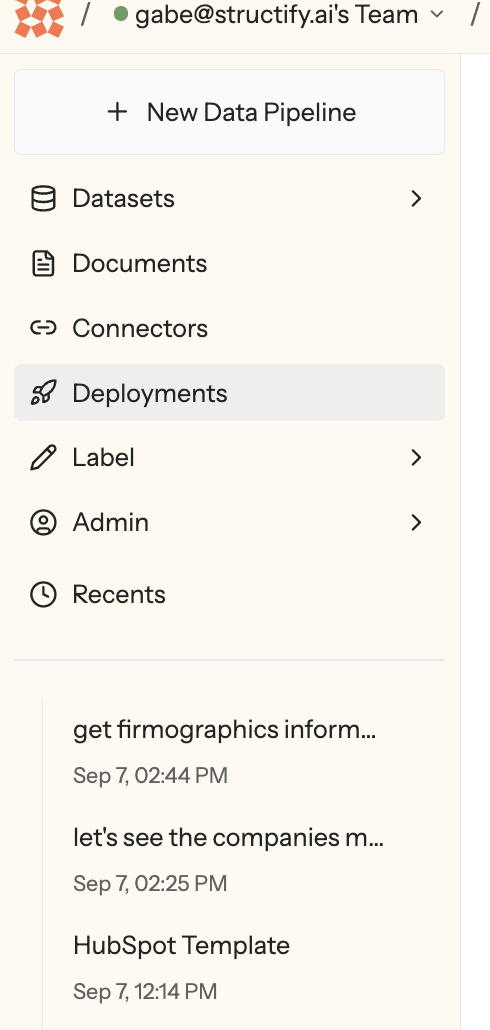 If you mouse over the left-side of your screen, you'll see something like the above pop up!
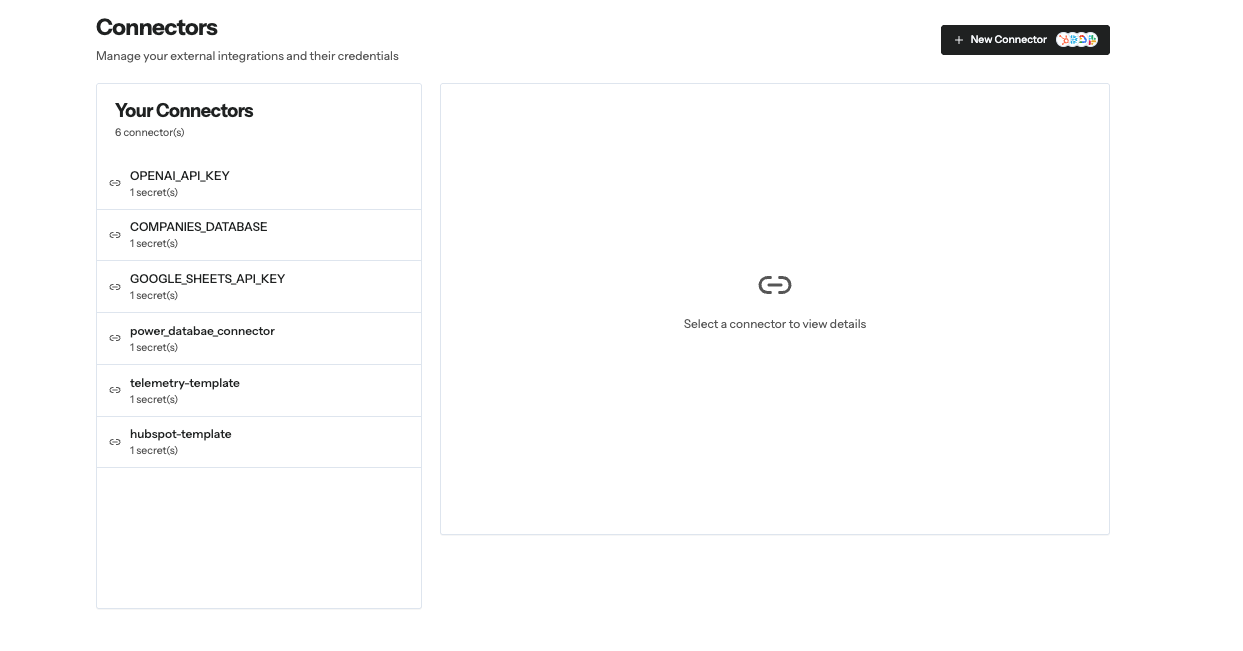
### Connectors
Manage all of your data connections and authentication here!
If you mouse over the left-side of your screen, you'll see something like the above pop up!
### Connectors
Manage all of your data connections and authentication here!
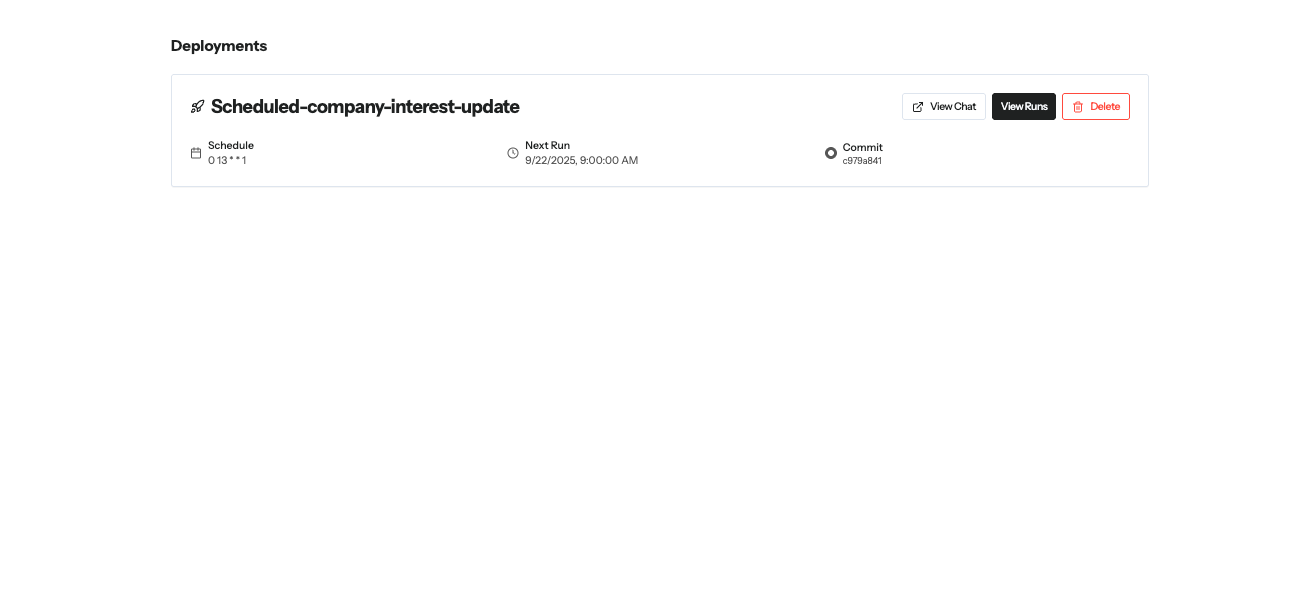
 ### Deployments
This where you manage all of your scheduled automations, to see their most recent run, their next run, and a results for each specific run!
### Deployments
This where you manage all of your scheduled automations, to see their most recent run, their next run, and a results for each specific run!
 ### Recents
See and search for your chats here!
You can name and favorite your chats (with the pencil and star, respectively)! This will make searching for them a lot easier
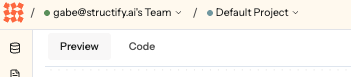
### Team and Project
Look to the top left of your screen to check out what team you're logged into, and what project you're working with!
### Recents
See and search for your chats here!
You can name and favorite your chats (with the pencil and star, respectively)! This will make searching for them a lot easier
### Team and Project
Look to the top left of your screen to check out what team you're logged into, and what project you're working with!
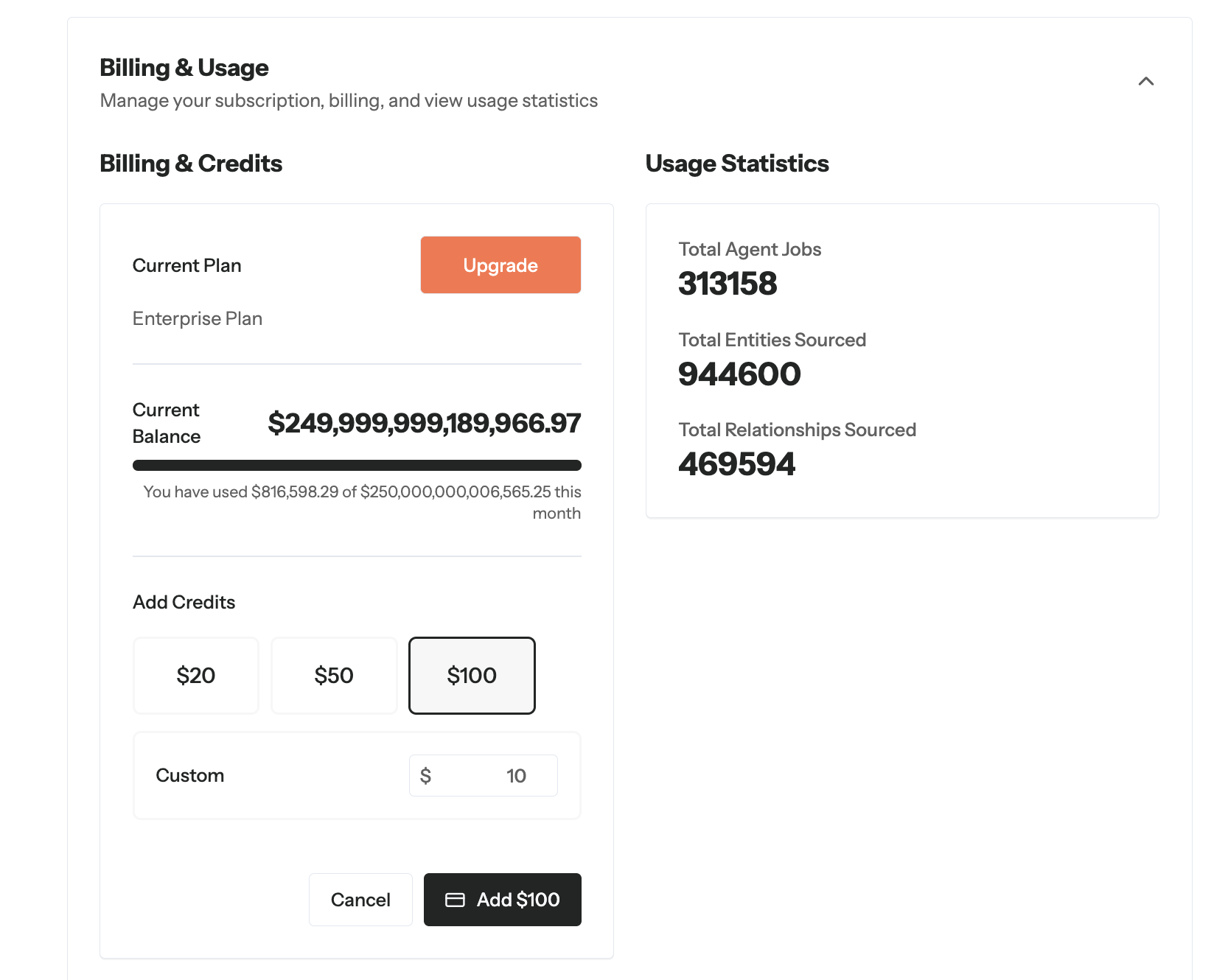
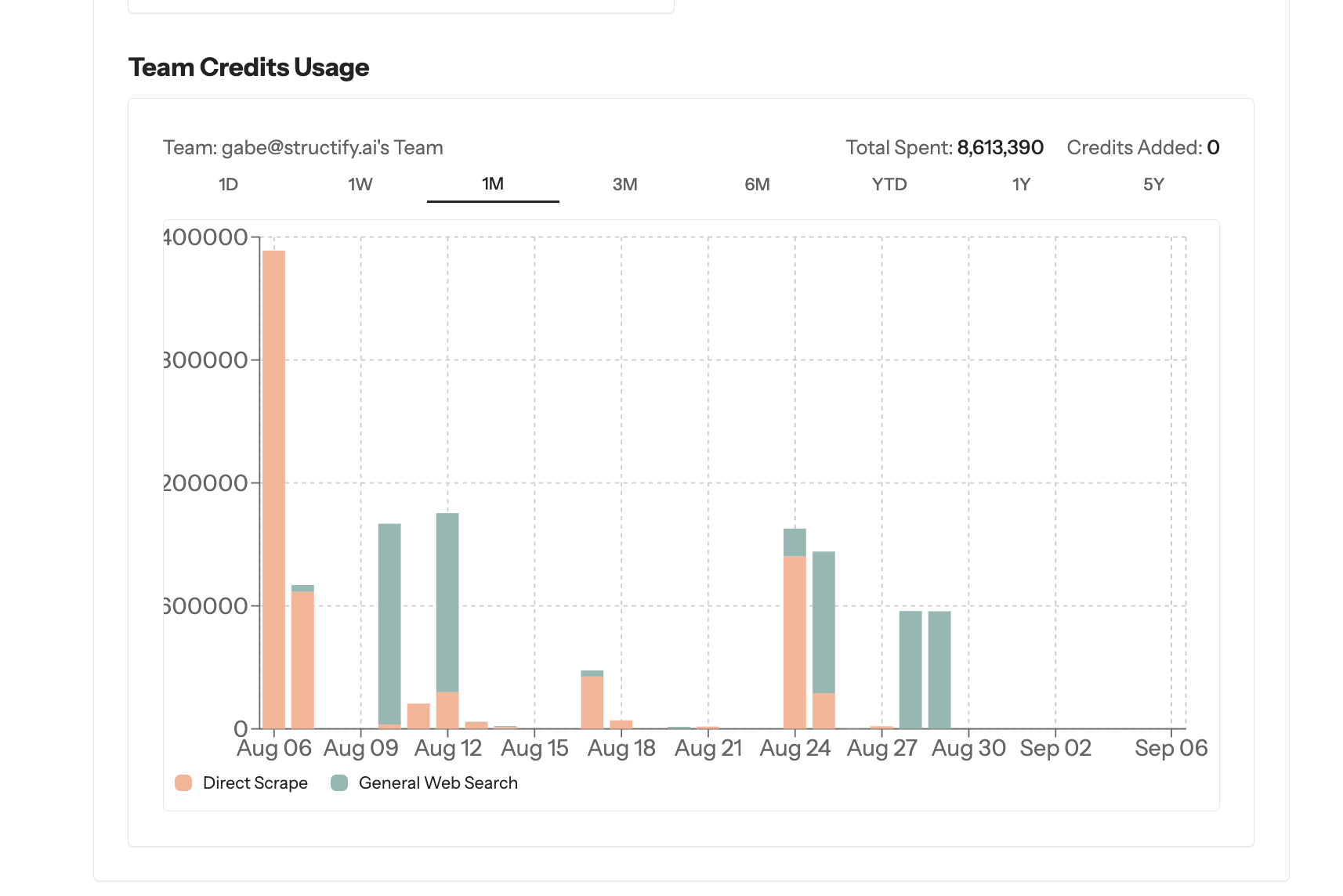
 ### Usage and Billing
Click your profile icon in the top right, then 'Settings'
### Usage and Billing
Click your profile icon in the top right, then 'Settings'
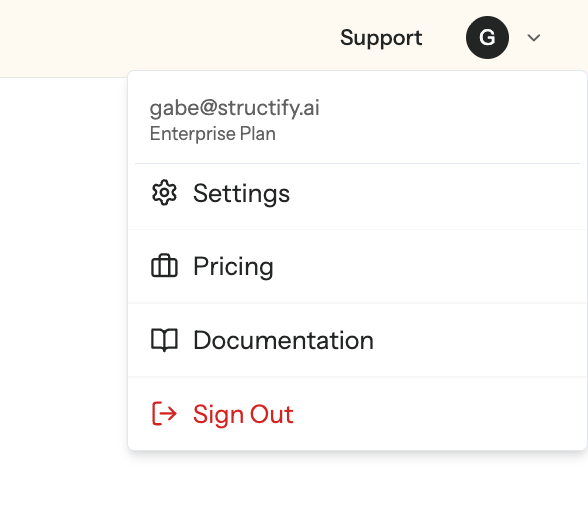 Scroll down, and you'll see 'Usage and Billing'. Expand it there!